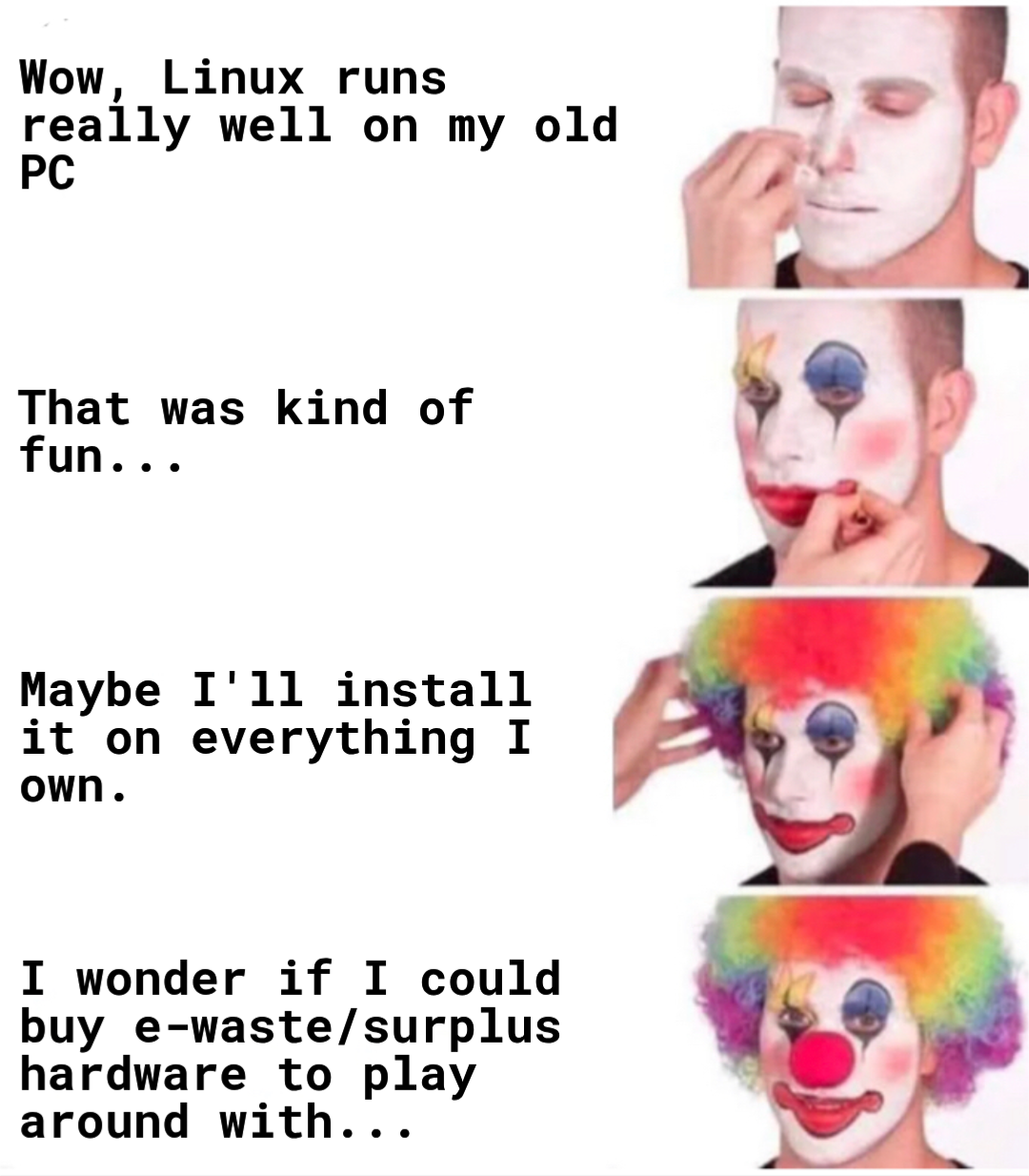
My wife has asked me not to turn the house into a tech junkyard.
“What do you mean, ‘Why do I need that stack of old ThinkPads?’. They were free!”
Who needs virtual machines when I can just use a separate device for every distro I want to try?
Very true. Also, redundancy
Why would I need an enterprise router if I can have a superfast, very extendable, very flexible and redundant router with two old desktop machines?
Power efficiency.
that’s like stage 7-8, after an extremely high electric bill. Also about that time you consider moving to a colder climate so the electronics can just heat your house.
I kinda love it in winter mornings when I’m a bit chilly and then I kick off a big compile or play something and there is this lovely warmth flowing from my main desktop and then I make a big cup of chai.
Windows: creates e-waste
Linux: undoes e-waste
Windows: creates e-waste
Linux: collects e-waste under the stairs “just in case it’s useful”
Time to build a LAN party cafe in my basement and install all the DRM free classic FPS games I own on all the devices.
There’s about to be a lot more surplus hardware since Microsoft arbitrarily decided they can’t update to Windows 11.
And real good specs on most those machines, most will be at least DDR4 some even DDR5
My mom’s laptop self “upgraded” to win 11 a while back and she hates it and has been having issues nonstop. And since she refuses to pay a monthly subscription for office I set her up with Libre office. She’s been resistant to Linux but as I slowly add more FOSS apps she’s coming around. She’s now willing to try a Linux Mint live USB.
I’m going to be on the lookout for one of these perfectly good laptops and throw Mint on it for her so she can keep her windows laptop until she’s ready to fully make the switch.
if you want a LOT of them, govdeals.com is a way to go. You might hate me for showing you that place. Its how I ended up with a great generator for my house as well as too many servers.
If you can believe it, there are some people who will straight up give you their e-waste, as if it’s trash or something!
deleted by creator
That’s exactly what I did in the late 90s/early 2000s. Never regretted it.
Try getting Linux to run on a 486 w/4MB RAM and a 40MB hard drive. You tend to learn a lot while getting the most out of that.
Where does one find old tech on the cheap?
Check how nearby colleges and universities dispose of used assets. The state school near me maintains a very nice website where they auction off everything from lab equipment to office furniture. It’s also where all their PCs go when they hit ~5 years old and come up in the IT department’s refresh cycle. Only problem in my case is that they tend to auction stuff in bulk. You can get a solid machine for $50 to $100, but only if you’re willing to pay $500 to $1000 for a pallet of 10.
My local dump has an e-waste section. Corps straight up drop off 6x6x6 ft. tall cage totes full old laptops and desktops. Then the grandma bins full of VHS players and stuff.
There’s signs saying you can’t take anything, but nobody actually cares or stops you lol. As long as you’re not causing trouble or making a mess digging deep into them.
Madness? Buying a new computer every 2 years because the OS vendor is in cahoots with hardware manufacturers is madness. This is rational usage of resources for your benefit.
Im strongly considering a decent into madness. Where should I start if the computer I will need to adapt is a 12 year old Macbook pro?
As someone running two 2010 MacBooks on Linux, most of it is straightforward but I would add a few notes:
-
It was helpful for me, as someone very familiar with OSes and hardware but NOT Linux, to pull detailed hardware reports off my Macs before I wiped MacOS off all the way, and to have the specs either memorized or within easy reach whenever I started reading the technical stuff, because there’s a good bit of that unless you happen to find a first distro that matches your hardware exactly. Instead, it’s more likely you’ll kiss some frogs before you find The One. Some distros are worth the trouble of making them work, some are not, but either way know your exact specs, especially for your wifi chip, so you can recognize them when you see them mentioned.
-
If you think you may ever run MacOS on them again, for any reason, but do not have another Mac handy, go ahead and make a MacOS bootable install drive now of the latest supported OS and throw it in a drawer. I never thought I would need it, but I did it out of an abundance of precaution and ended up using it multiple times, to my own surprise. But it’s damned difficult to do without another Mac around to create the install media for you, so cover your ass and do it anyway if that MacBook is the last Mac you have.
-
I made a GParted Live USB and it’s become one of the most used USB drives I own. No matter the OS, no matter the fuckery you’ve gotten yourself into (and clearly I have), if you can boot off USB it submits to the magic of GParted. Strong recommend.
-
Know that you cannot use Ventoy on MacBooks. At all. It kept crapping out on me, I spent hours on it, but when I read the forum (and the dev’s comments to others with the same problem) turns out that nope, Ventoy does not work with MacBooks. Don’t waste your time – or do, if your nihilistic enjoyment of futility needs a strenuous workout.
-
If you don’t already have a handful of available USBs, buy a ten (or more) pack of 8GB USB drives somewhere cheap, and just start rolling. They will all get used and reused as you go about trying out various distros and then comparing the ones you liked best, and you will appreciate not having to reformat the same USB every time you want to go to something different.
-
You’ve been told about Live USBs, but the thing with these older MacBooks is that a lot of it’s just a pure crapshoot when it comes to a specific distro making happy times with your specific hardware. Usually it’s the older Broadcom wifi chips, but I’ve had other problems. So when you boot into a live trial, you really want to make sure you’re testing ALL the hardware that matters to you (wifi, Ethernet, sound, mouse, trackpad, display, camera, etc) and not just assuming.
And even then it’s not certain: I just recently put Debian 13 with KDE Plasma on my mid-2010 MacBook and it sped through the Live USB trial and even the netinstall process on wifi, but as soon as it was running on the installed OS I had download speeds in the fucking bytes before I understood that the Live USB and the OS were using different Broadcom drivers. I found a guide and it was an easy enough fix, but definitely a pain in the ass. These things happen, so expect them.
-
Linux will recognize memory that MacOS will not, so go ahead and fill your actual motherboard capacity even if Apple says it’s unsupported. Chances are good you’ll want to upgrade other hardware as well; I’ve had good luck using iFixit for guides and it’s worth the trouble to ask around for recommendations on where to buy, but in general avoid Amazon, especially for batteries.
-
After you’ve installed Linux, run it on a stand for good airflow, open the case and really clean your fan, and/or replace your thermal grease (which it’s past time for anyway) because Linux does tend to run warm on these old MacBooks.
That said, these are excellent machines, a fun project, and honestly I think I like them more now than when I first got them: I never knew how versatile they could be. Hope some of this helps you.
Thank you so much. Im not terribly tech savvy but I have 2 macbooks that are just sitting there. I want a functioning computer and I don’t want to pay for something that spies on me constantly so that the manufacturer can steal everything I create. That means I need to figure this out.
I hear ya. I had to get away from MS for the same reason: I can’t have my PCs turned into data collection points for MS to make a withdrawal from whenever they like. But these old MacBooks are fire on Linux.
If you can successfully navigate the average Windows setup and you don’t have any non-standard partitioning needs you’re golden, especially if you start with a beginner-friendly distro like Zorin or Mint, both of which worked perfectly without further configuration on my 2010 MacBooks that have 64-bit Intel processors. You learn as you go along. I watched a lot of install videos too, especially when I knew I was working with distros that I knew were going to ask me for knowledge I do not now have (Arch, btw, and honestly the latest Fedora KDE that was insisting on Btrfs volumes for whatever reason and I was trying to do it without a working mouse, lol).
But that’s the cool thing about live trials: boot off the USB and test drive the OS experience, with no need to install anything at all until you’re certain.
Hit me up if you get stuck and I’ll help however I can. First, though, start with your Mac hardware: figure out what you already have. Then go from there.
-